 Kaveyl
For everyday users
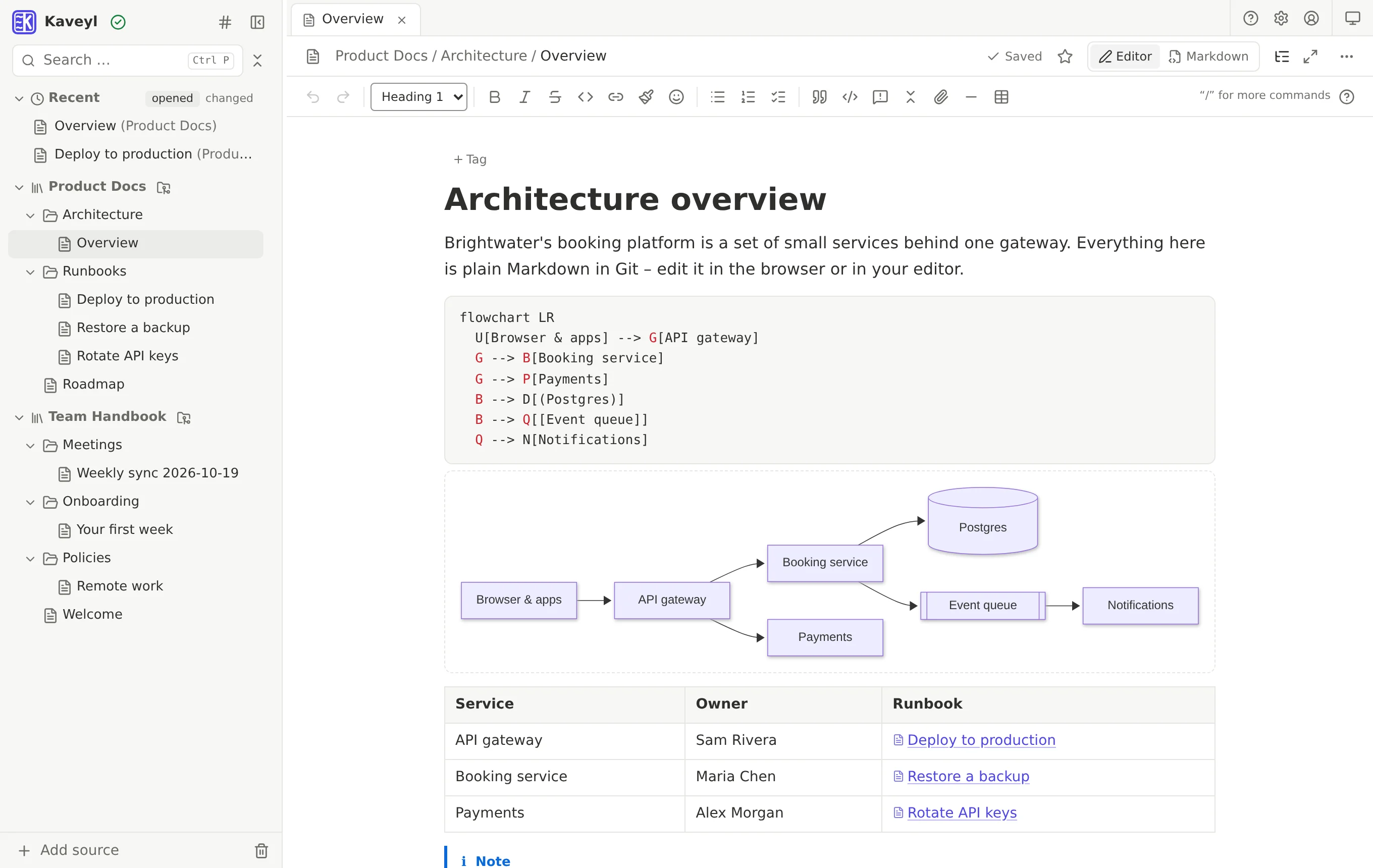
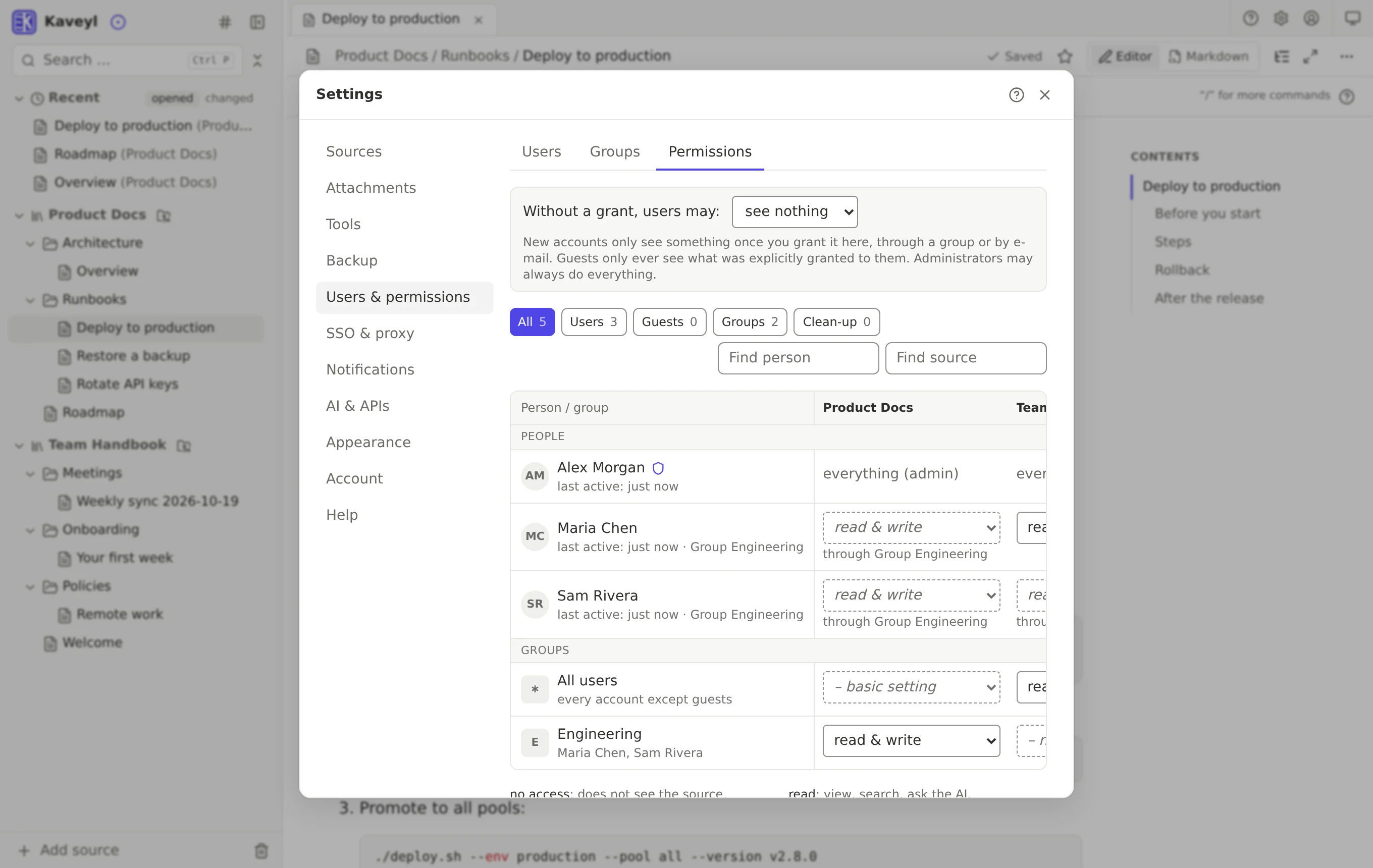
Nested folders, a clean editor that shows formatting as you type, drag and drop, templates, tags and instant search. Nobody needs to know Git – saving is automatic.
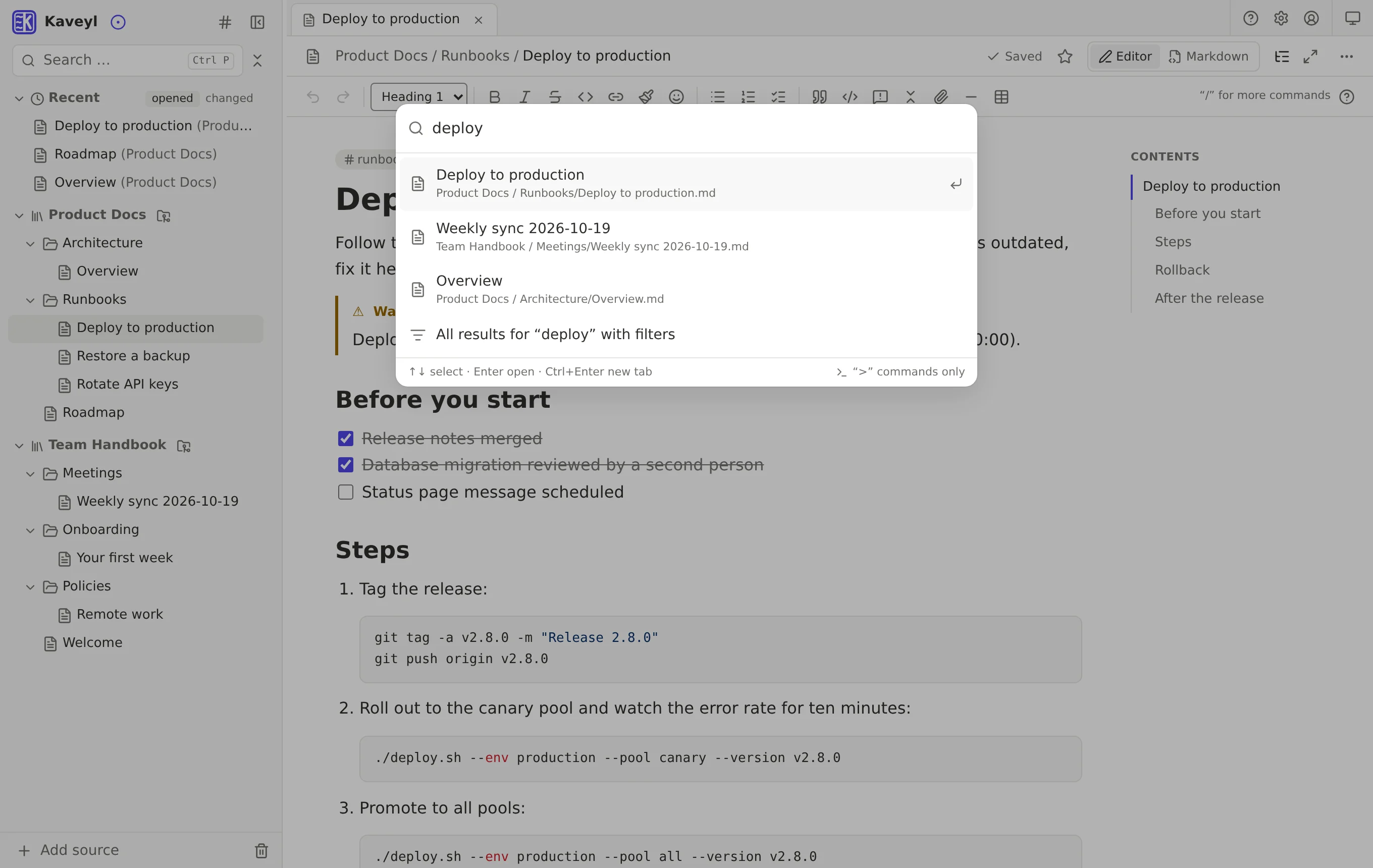
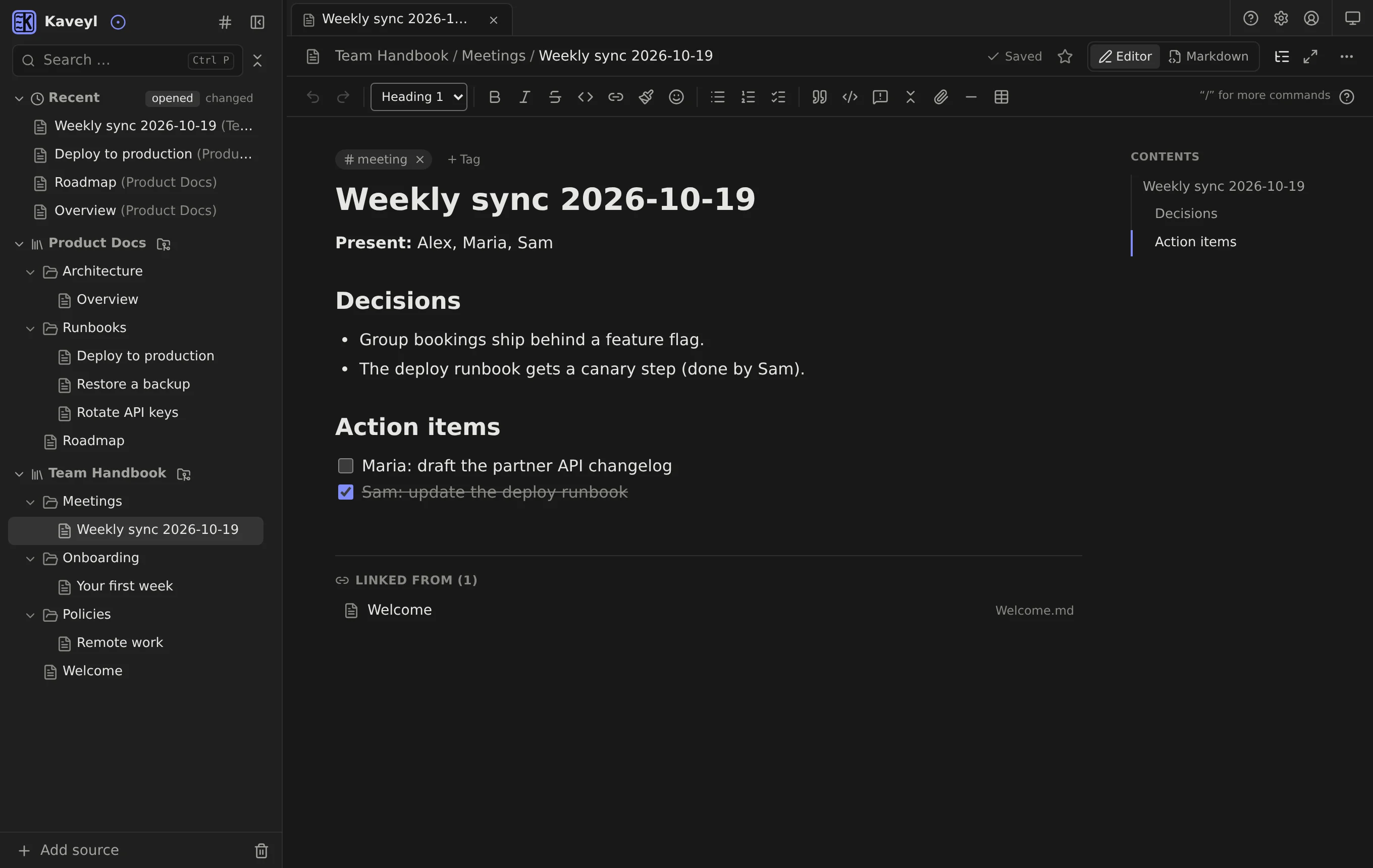
A clean workspace for your team's knowledge: familiar folders, an editor without friction – and underneath, plain Markdown files in Git, versioned automatically and open to your AI agents through a native MCP server.
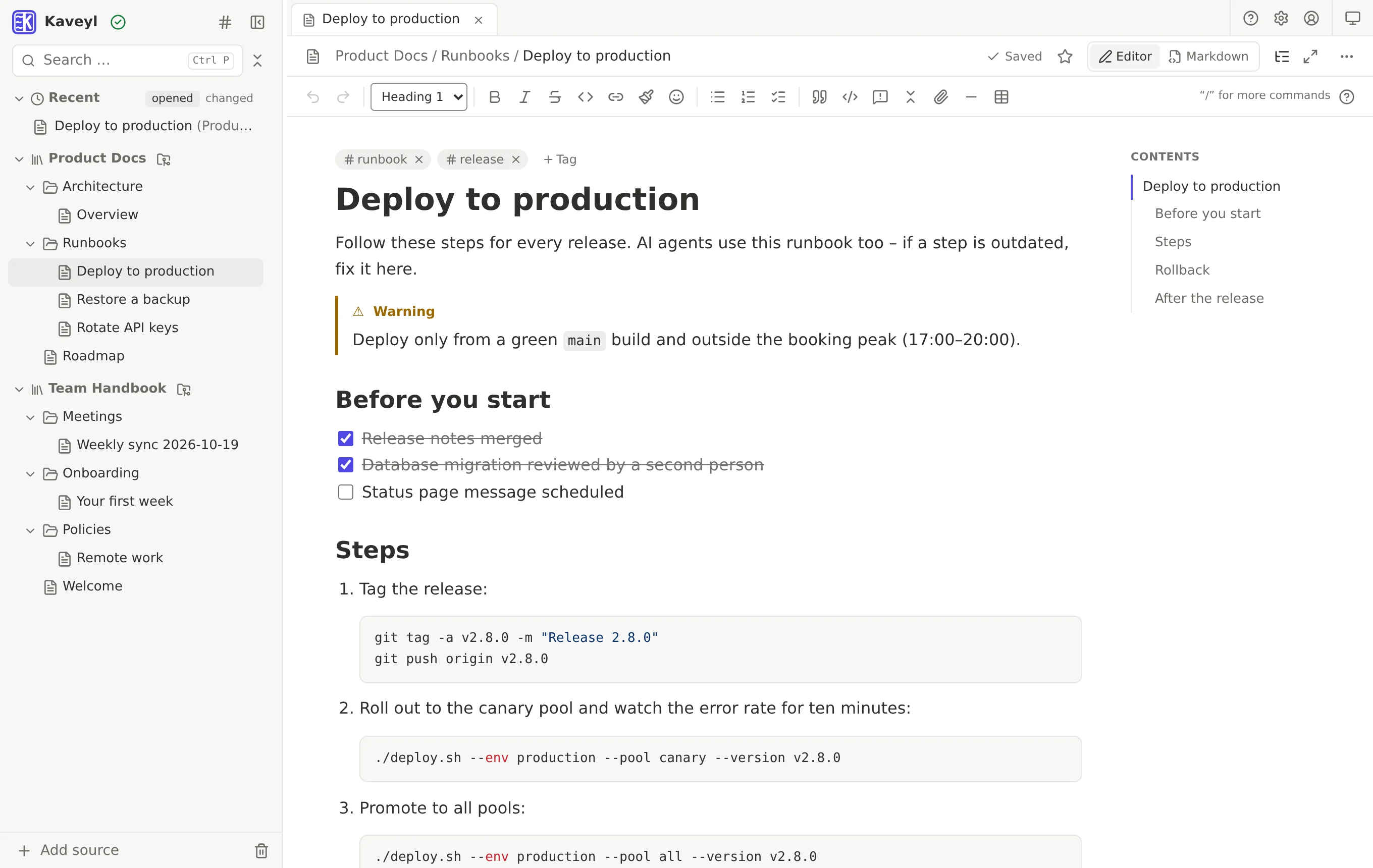
Most documentation tools force a compromise: a developer platform with a steep learning curve, or a cloud app that keeps your data in its own database and locks AI tools out. Kaveyl Wiki brings both sides together – the same files, three ways in.
Nested folders, a clean editor that shows formatting as you type, drag and drop, templates, tags and instant search. Nobody needs to know Git – saving is automatic.
Every page is a Markdown file in a Git repository or folder. Edit the same files in VS Code, Neovim or with git; your pull requests and CI stay exactly where they are.
A native Model Context Protocol (MCP) server and a REST API: Claude Code, Cursor, VS Code, Claude Desktop or your own agent read, search and update the wiki – with exactly the permissions of the person behind the token.
You write; Kaveyl Wiki saves at once and turns your changes into commits, with you as the author. Changes made elsewhere – in an editor, by a script or an agent – come back the same way. Nothing is ever overwritten silently.
Kaveyl Wiki is not a live co-typing editor like a shared online document. It works the way Git works – which means every change is kept and traceable.
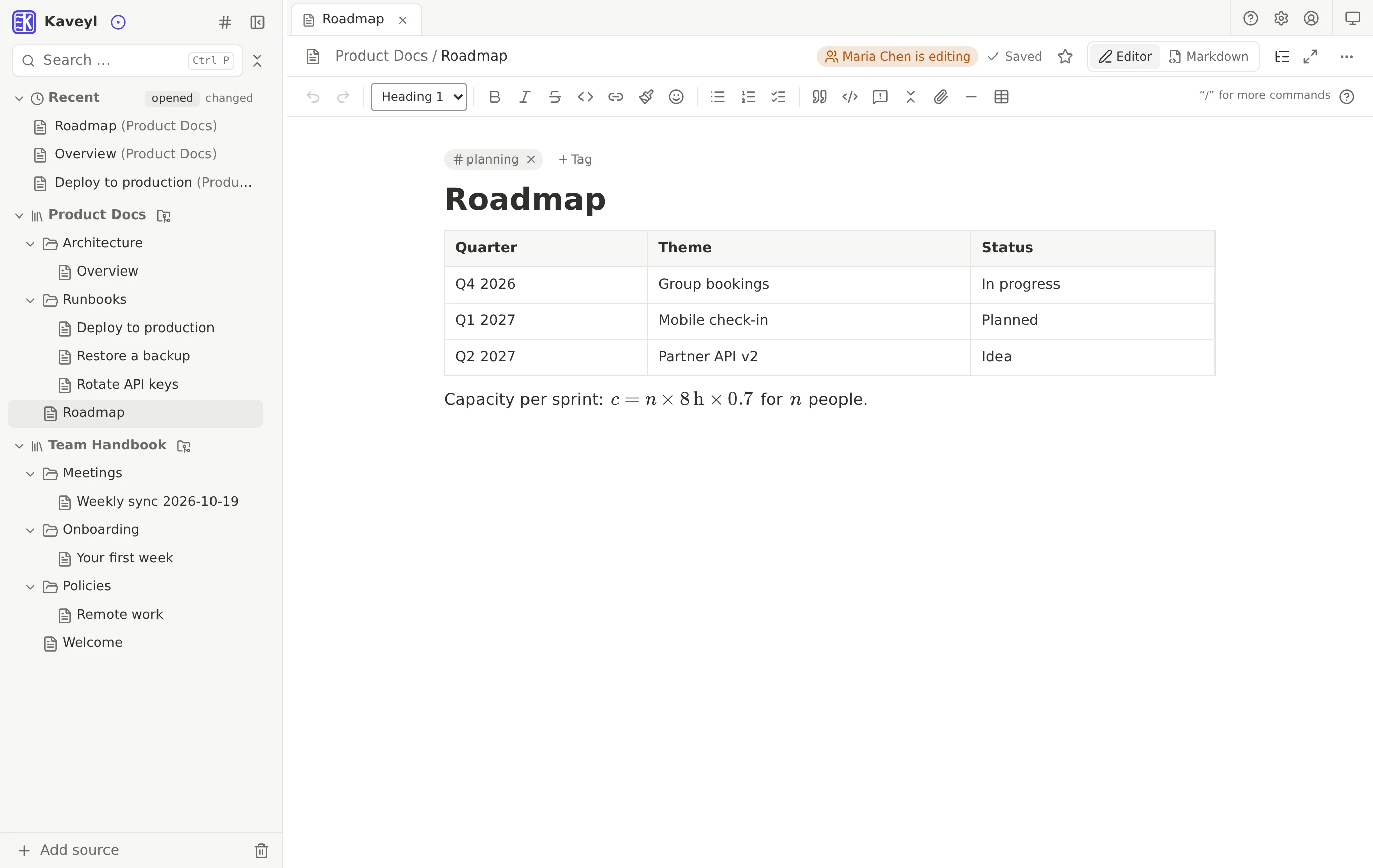
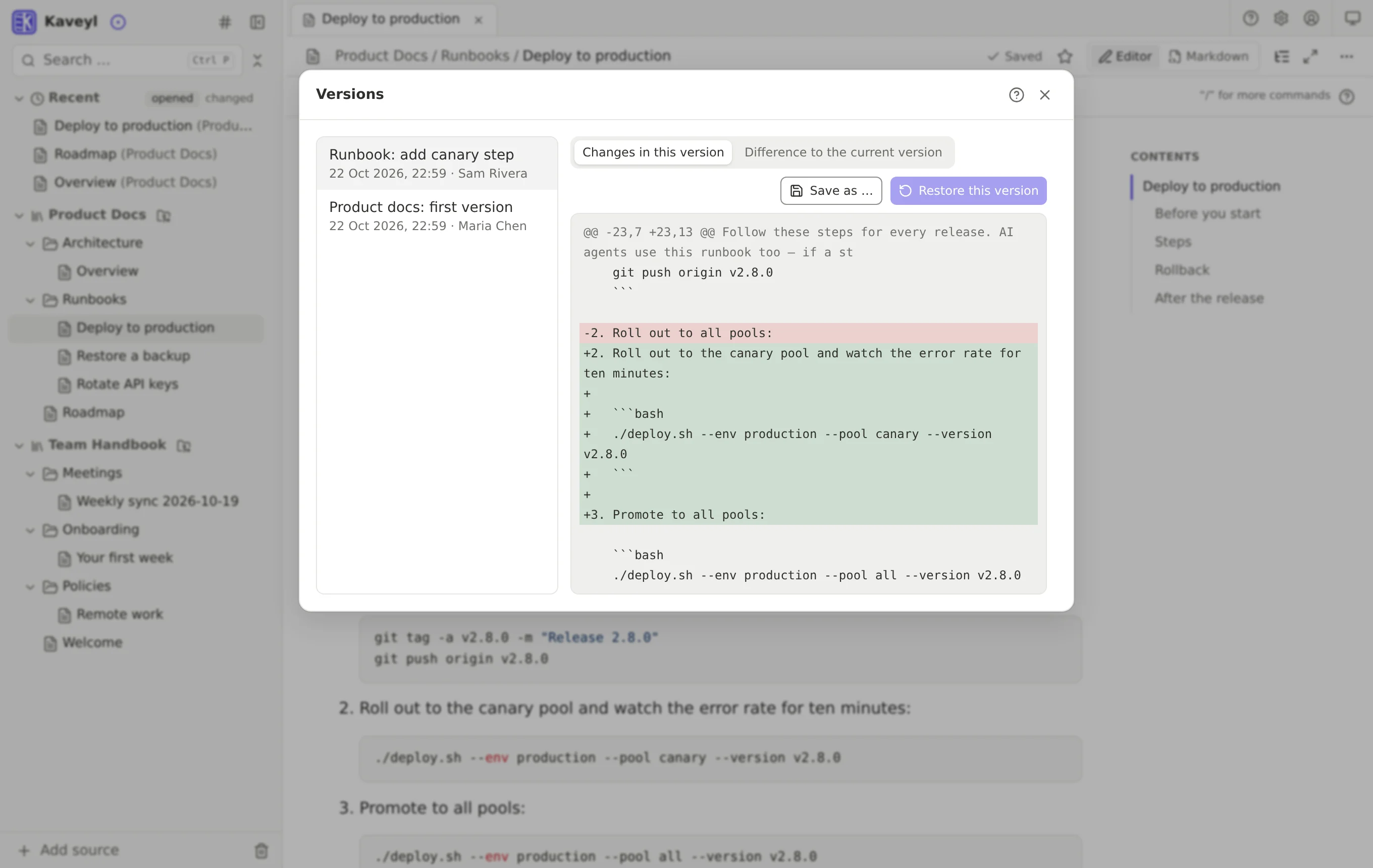
Connect any MCP client to your wiki in a minute. Agents search, read and write notes through tools; scripts use the REST API with an OpenAPI description. Every write is a Git commit with a name on it – review it, keep it or restore the previous version.
An agent sets up a server by following a guide from the wiki. Step 4 fails because a package was renamed. It finds the new name, finishes the setup and corrects the page through MCP. The commit carries the name of the person behind the token, the log marks it as MCP – and you see the exact difference in the version history.
Claude Code changes a service and its documentation in the same repository. Kaveyl Wiki picks up the push via webhook and shows the new page to the whole team within seconds – no copying, no second system.
Kaveyl Wiki itself was developed in exactly this loop: AI agents and a human working on the same Markdown, Git as the single source of truth.
Tools to search, read, create, move and update notes, look into their history and upload files. Works with Claude Code, Cursor, VS Code, LM Studio and – through a small bridge – Claude Desktop.
Everything a script needs, described at /api/v1/openapi.json. Personal tokens with read, write, MCP or manage permission and an expiry date.
The built-in AI (Ollama, Ollama Cloud or any OpenAI-compatible provider) helps you write and answers questions from the notes you share with it. It proposes – you decide.
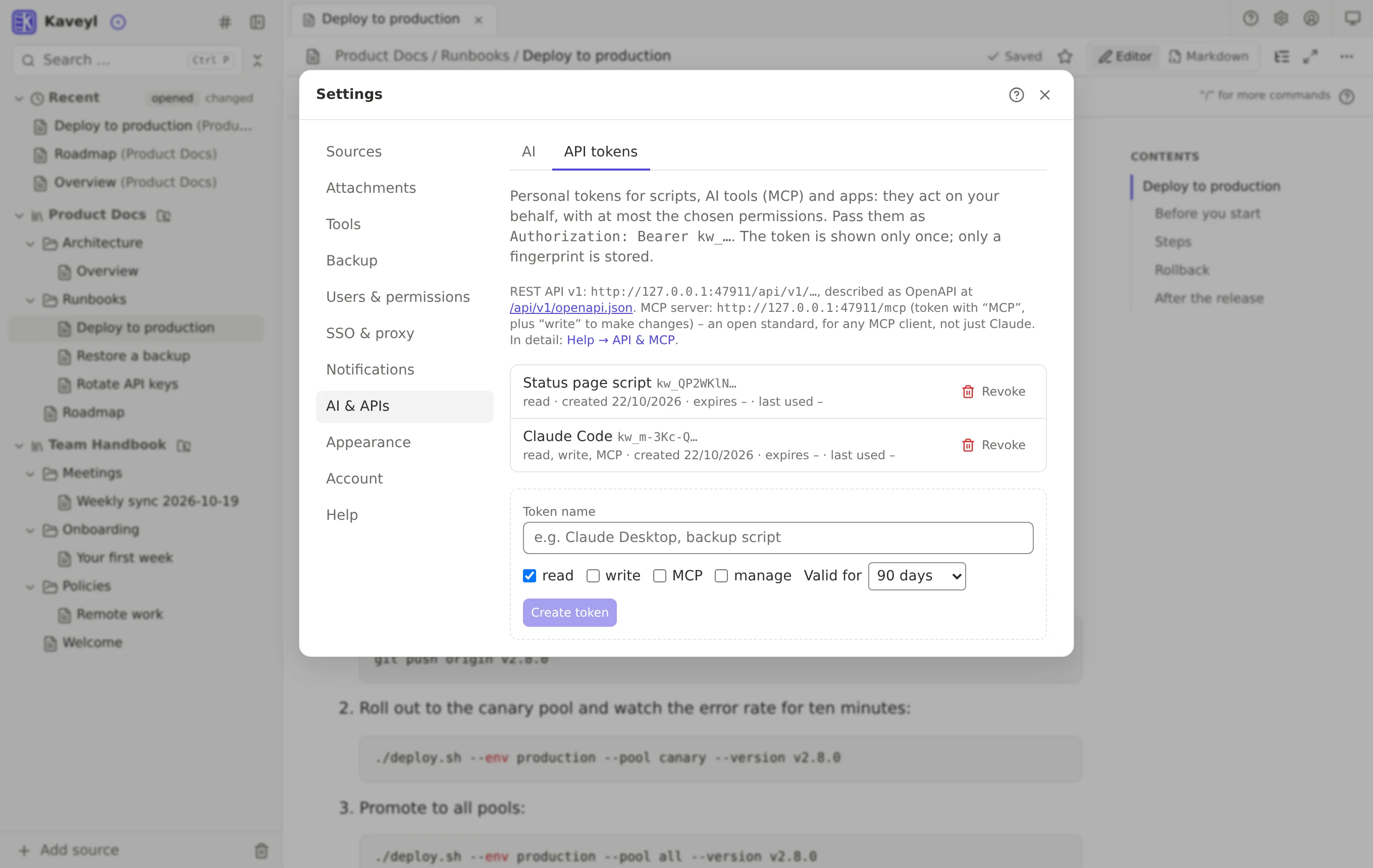
The same notes, whether you click or code.
| Everyday user | Developer & AI agent | |
|---|---|---|
| Structure | Folders with drag and drop | A plain directory tree in the repository |
| Writing | Editor in the browser, formatting as you type | VS Code, Neovim, git, MCP or REST API |
| History | Versions per note, one click to restore | Git commits and diffs, with names |
| AI | Ask the assistant about your notes | MCP tools for search, read and write |
| Storage | Your own server – nothing in someone else's cloud | Markdown in Git, or a folder on the server |
No plugins to hunt for – it is all in the box.
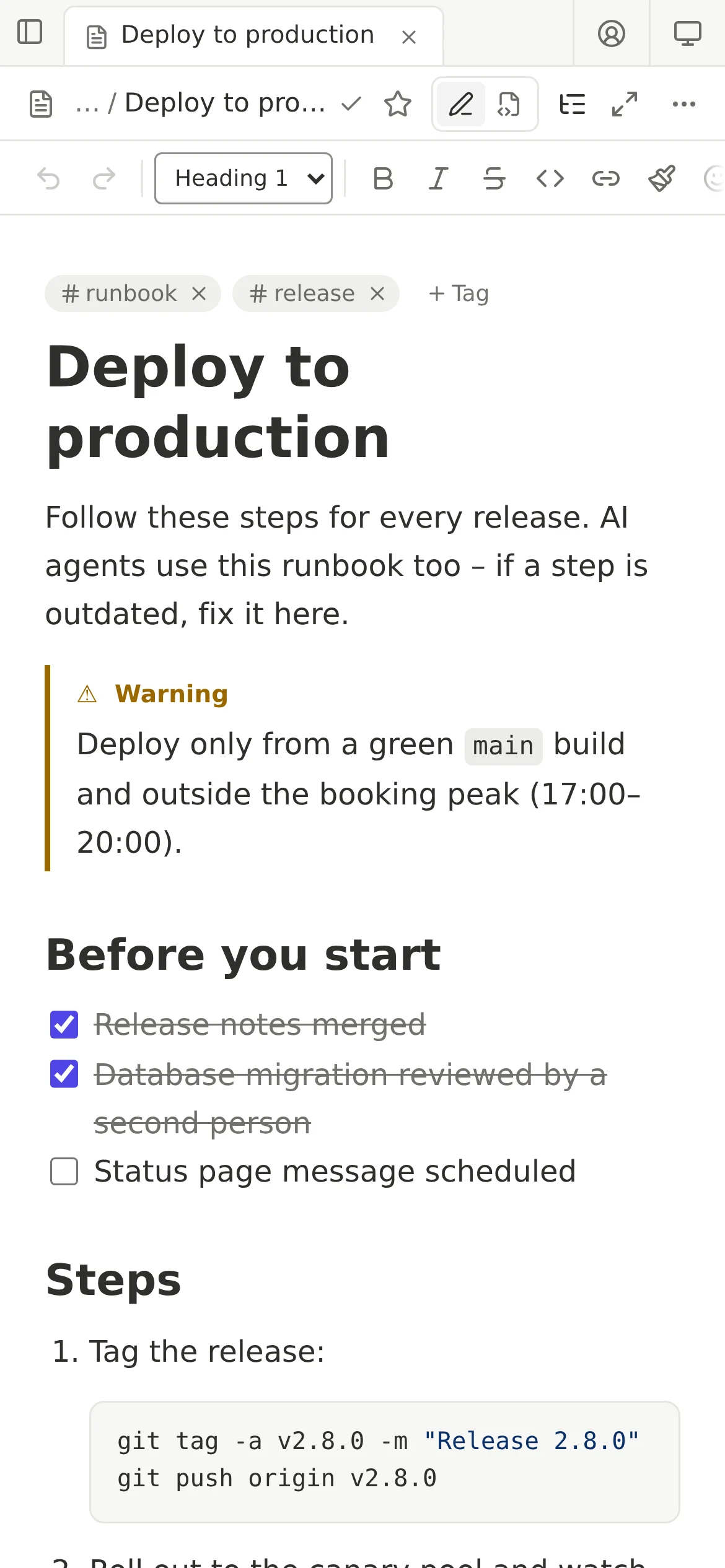
Kaveyl Wiki runs as a single Docker container on a Linux server or NAS. Your notes stay plain files – take them with you any time.
Kaveyl Wiki is in its final round of testing. The source code, the container image and the full documentation will be published here soon.